Embedding a form into a web page
Last updated:
Learn how to embed a form into your website in just a few steps.
- List in the Admin centre under Domains and emails the domain or subdomain of the web page in which you want to embed the form.

- Go to the Share area of the form you want to embed and select the design you want to use.
- Click Copy embed code to copy the code.
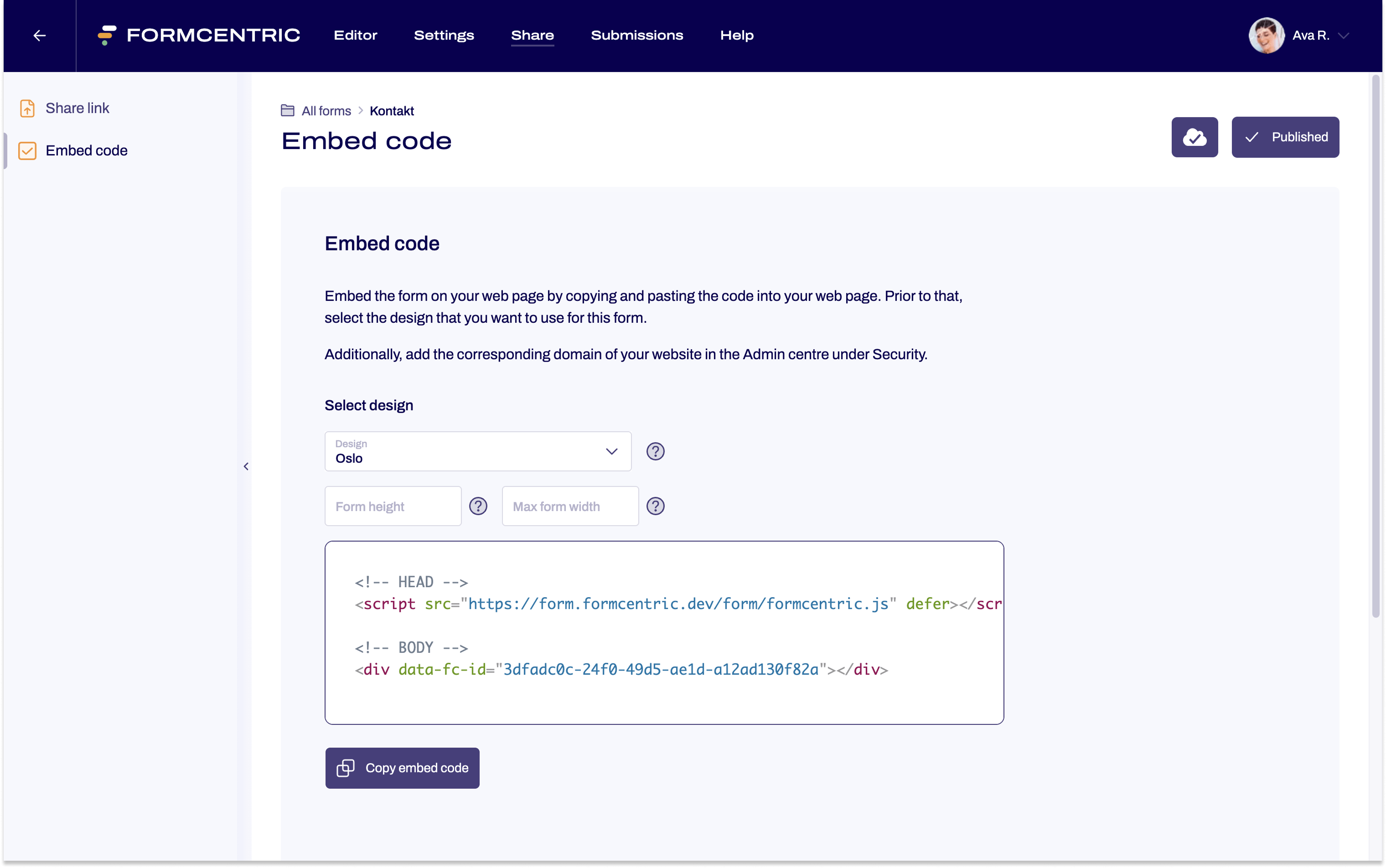
- Paste the copied code in your website's HTML markup.
With these steps, your form is successfully integrated into your web page.


